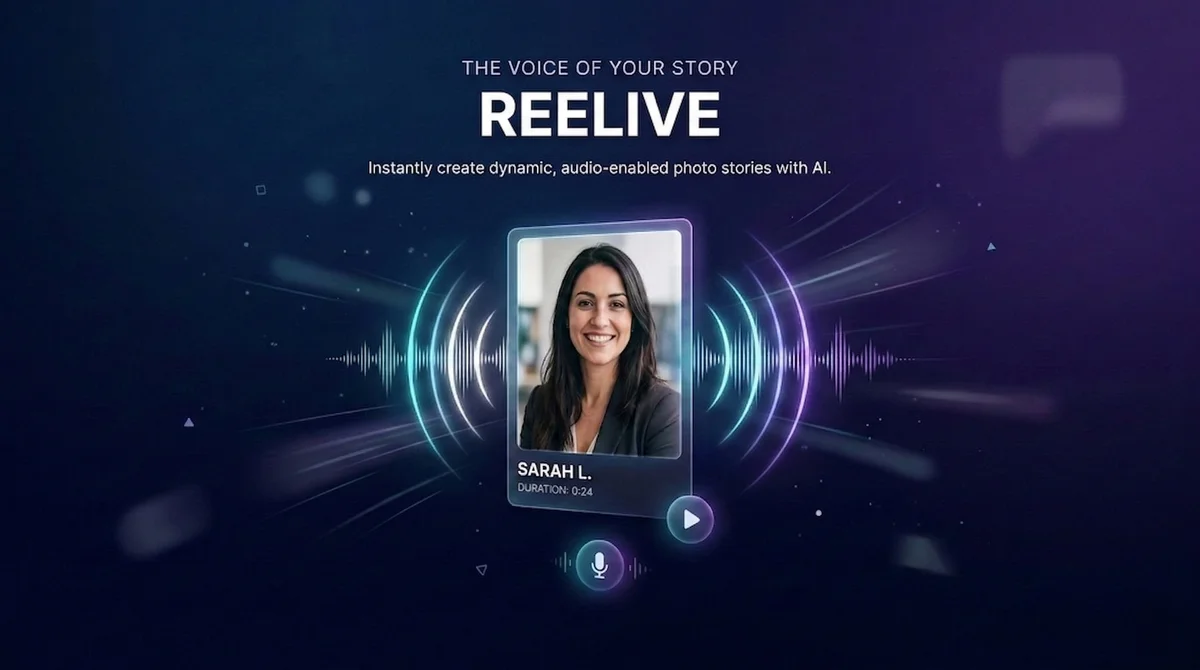
AI Avatar: Create Talking Videos from Just One Photo | Reelive AI
Turn any portrait photo into a realistic talking avatar video with AI. Upload your image and audio to generate lip-synced digital human videos in seconds.
The Challenge of Creating Talking Videos
Creating professional talking-head videos used to require a full production setup: cameras, lighting, microphones, and multiple takes to get it right. For businesses and creators who need spokesperson-style content at scale, this process is slow, expensive, and hard to iterate on.
What if you could skip the entire filming process and generate a realistic talking video from just one photo and an audio clip?
That's exactly what Reelive's AI Avatar tool does.
What Is an AI Avatar Video?
An AI avatar video is a digitally generated clip where a static portrait photo is animated to speak in sync with an audio track. The AI analyzes the audio waveform, maps it to realistic lip movements, facial expressions, and subtle head motions — producing a video that looks like the person in the photo is actually talking.
Unlike deepfake technology used for deception, AI avatars are designed for legitimate content creation: marketing videos, educational content, product demos, and social media posts.
How to Create a Talking Avatar in 3 Steps
Getting started with Reelive's AI Avatar tool takes less than a minute:
-
Upload a portrait photo — Use a clear, front-facing headshot. Supported formats include JPG, PNG, and WebP (up to 10MB).
-
Upload your audio file — Record or upload an audio clip between 3 and 15 seconds. Supported formats: MP3, WAV, AAC, MP4, and OGG (up to 10MB).
-
Generate and download — Click the generate button. The AI processes your inputs and delivers a lip-synced MP4 video. You'll see a real-time progress indicator, and can preview your video as soon as it's ready.
That's it — no filming, no editing software, no retakes.
Key Features
Realistic Lip Sync
Powered by Kling AI Avatar Pro, the tool produces highly accurate lip synchronization. Mouth movements match the audio naturally, with realistic facial micro-expressions that avoid the uncanny valley effect.
Transparent Per-Second Pricing
You only pay for what you generate. Credits are calculated at 20 credits per second of video, based on your audio duration. A 5-second clip costs 100 credits, a 10-second clip costs 200 — simple and predictable.
Multiple Format Support
- Images: JPG, PNG, WebP (up to 10MB)
- Audio: MP3, WAV, AAC, MP4, OGG (up to 10MB, 3-15 seconds)
- Output: MP4 video with full lip synchronization
Built-in History Management
Every generated video is saved to your history. You can preview, re-download, or delete past generations at any time — no need to search through your downloads folder.
Instant Preview
The tool automatically polls for task completion. As soon as your video is ready, it appears in the preview panel — no page refresh needed.
Pay Only on Success
Credits are only deducted after your video is successfully generated. If something goes wrong during processing, you won't be charged.
Tips for Best Results
- Use a clear, front-facing portrait — Direct eye contact and neutral expressions produce the most natural animations
- Keep audio between 3-15 seconds — This is the supported range; shorter clips generate faster
- Minimize background noise — Clean audio leads to cleaner lip sync
- Speak at a natural pace — The AI handles normal conversational speed best
- Choose well-lit photos — Even lighting on the face helps the AI generate more realistic movements
- Avoid sunglasses or face coverings — The AI needs to see the full face to animate it properly
Who Should Use AI Avatar?
- Content creators — Produce talking-head content without being on camera
- Educators and trainers — Create narrated lessons with a visual presenter
- Marketing teams — Generate spokesperson videos for campaigns at scale
- E-commerce sellers — Add product explanation videos with a human touch
- Social media managers — Create engaging video content quickly for multiple platforms
- Developers and startups — Build AI-powered video features into your products
Start Creating Your AI Avatar Now
Ready to turn a single photo into a talking video?
Visit reelive.ai/ai-tools/ai-avatar and start generating AI avatar videos with free credits.
More AI Tools from Reelive
- AI Video Generator - Generate stunning videos with text-to-video and image-to-video AI
- AI Image Generator - Create beautiful images with text-to-image and image-to-image AI
- AI Face Swap - Swap faces in photos with realistic AI-powered precision
- Background Remover - Remove image backgrounds instantly with AI
- Watermark Remover - Clean up images by removing unwanted watermarks
- Motion Control - Create AI videos with precise camera and motion control
Questions? Reach out at Contact Us.
More Posts
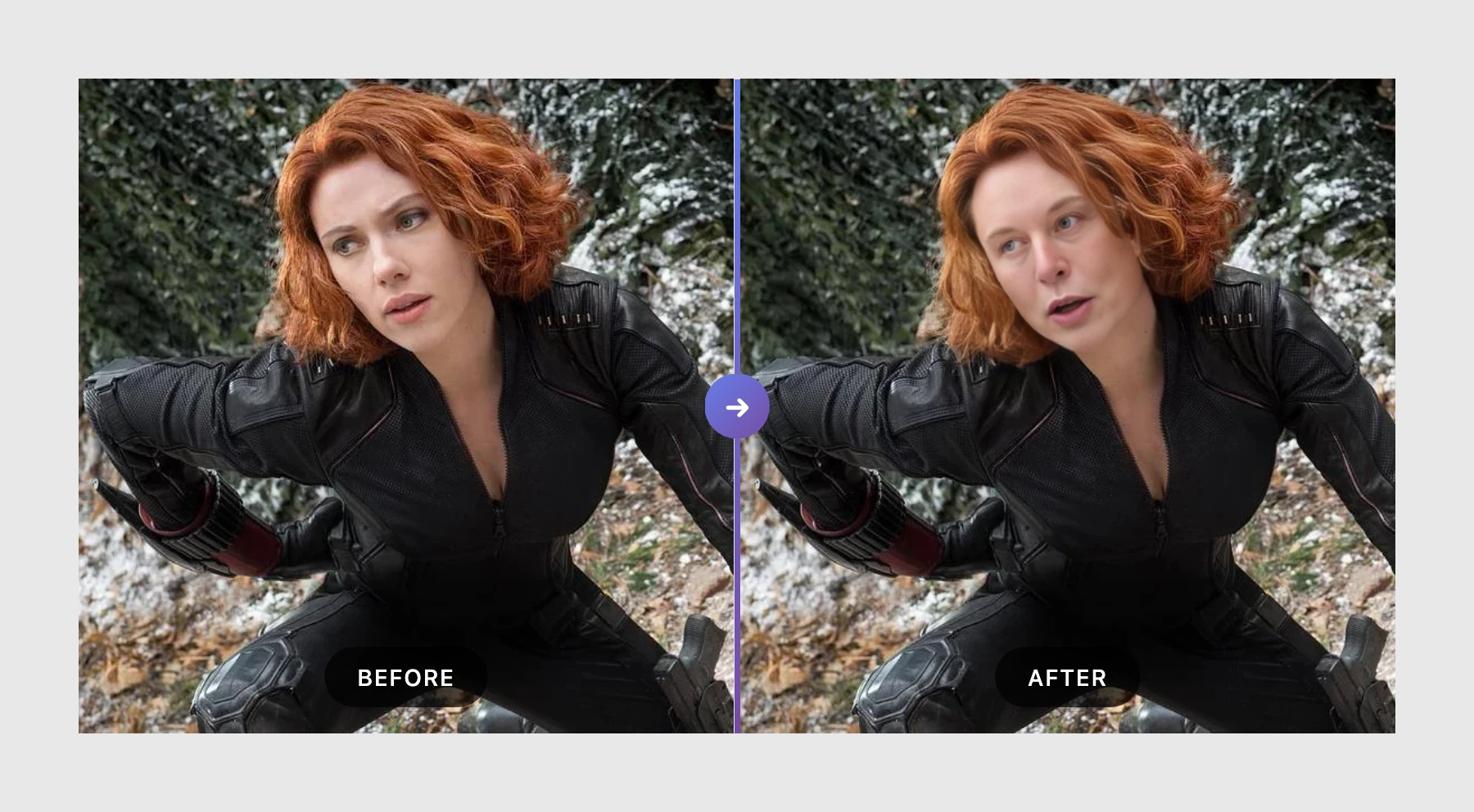
AI Face Swap: Transform Your Photos Instantly with Reelive's Free Tool
Swap faces in photos with AI-powered precision. Upload two images and get realistic face swap results in seconds. Free to try, no watermark on outputs.

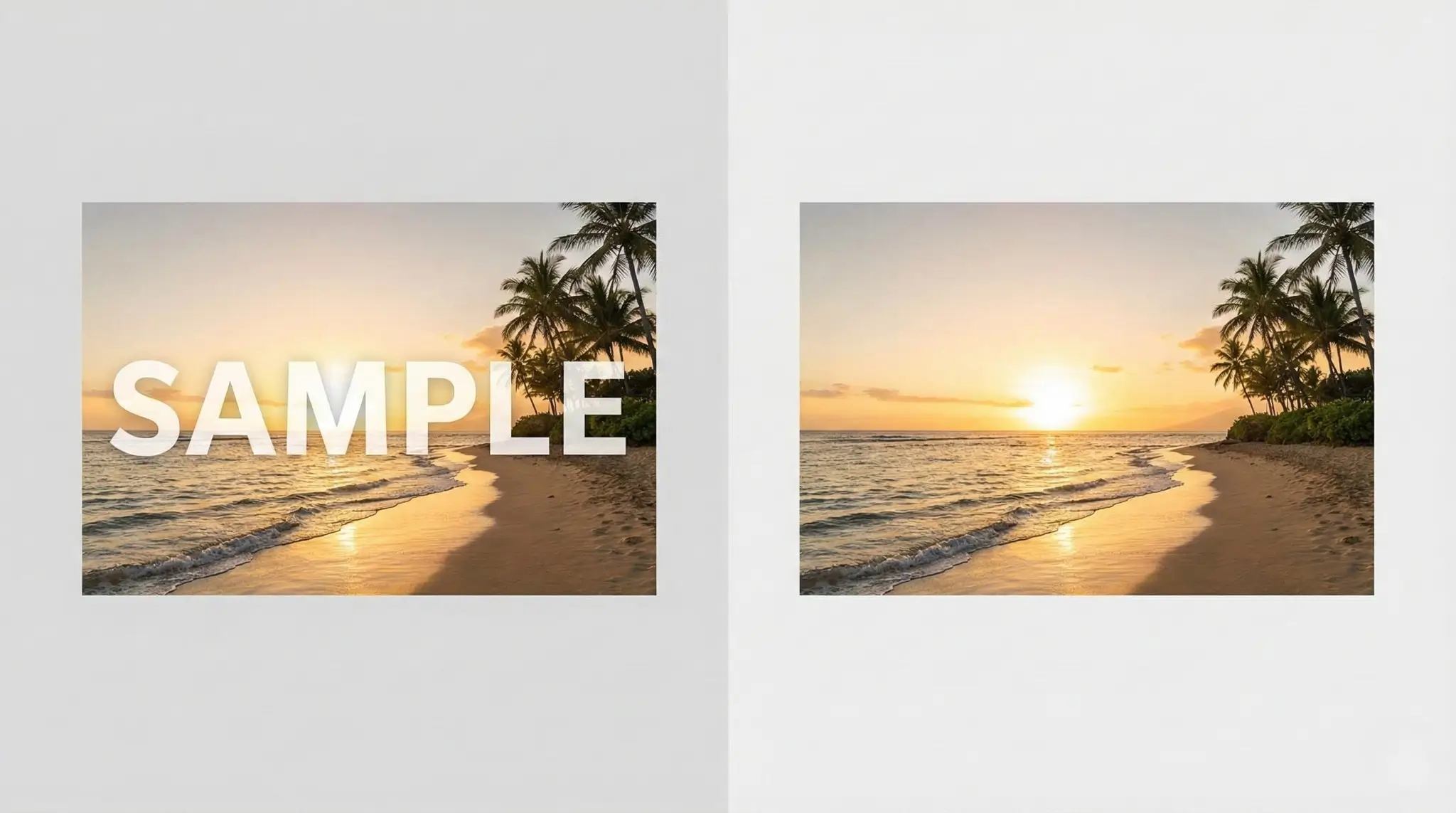
Remove Image Watermarks Instantly with AI: The Ultimate Free Tool for Creators
Remove watermarks from AI-generated images including Gemini, Nano Banana, DALL-E, Midjourney, Stable Diffusion and more. Free AI-powered inpainting tool to clean up your images instantly.
Remove Sora Watermark in 3 Seconds: The Fastest Free Tool for Creators
Discover how to remove watermarks from Sora-generated videos quickly and easily. Just paste your Sora video URL and get a clean, watermark-free version in seconds.