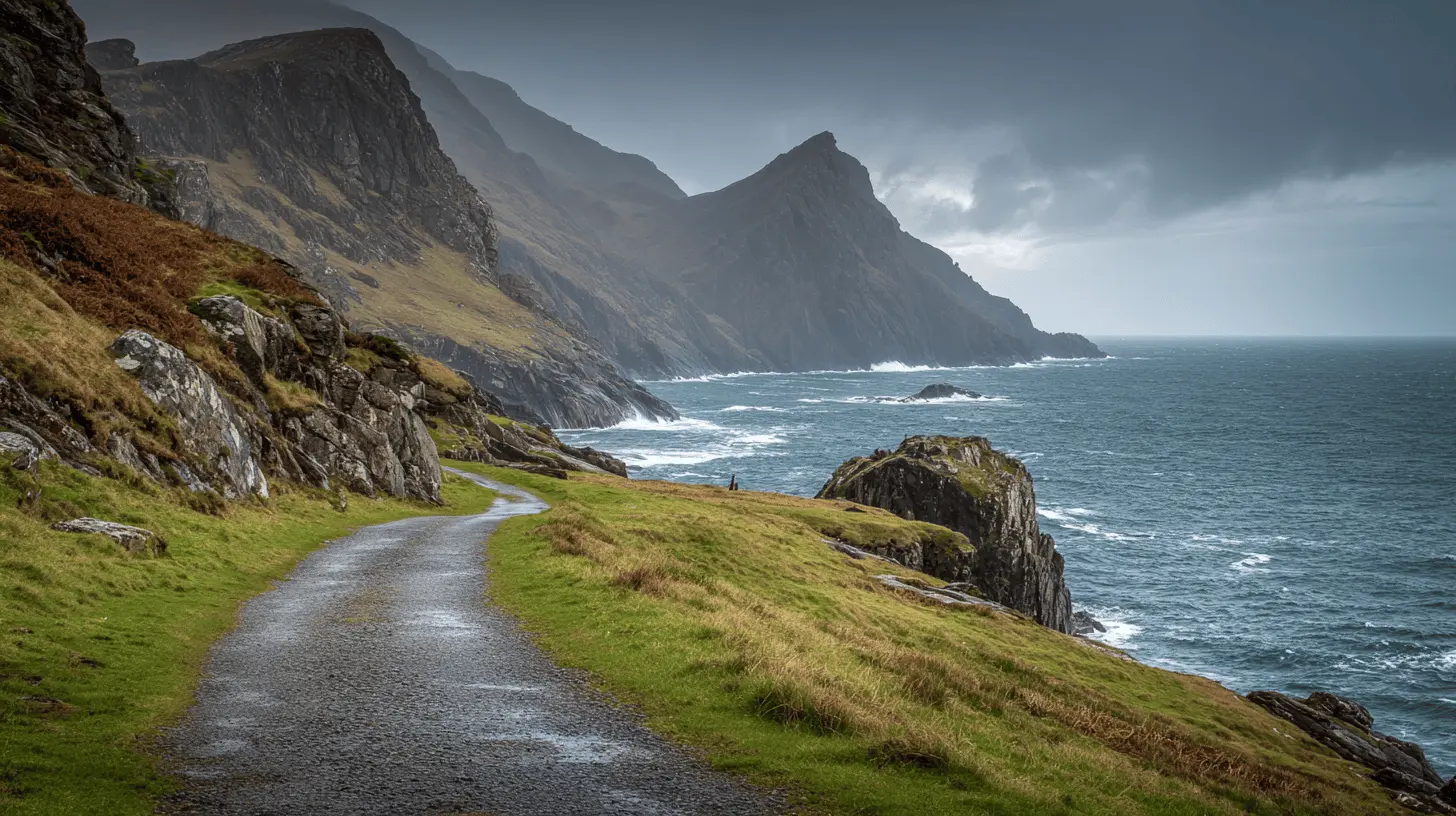
《I Spent 6 Months Generating AI Videos — Here’s What Finally Made Them Look “Real”》
Six months of trial and error taught me a simple diagnostic workflow that makes AI videos look real.
When I first tried AI video generation last year, I was obsessed.
Not with the results — most of them were terrible. Faces melted. Cameras shook like someone was having a seizure behind the lens. Everything felt cheap.
But I was obsessed with the possibility.
Because every 20 or 30 attempts, something magical happened. A perfect 4-second clip. Cinematic. Expressive. The kind of thing I’d spent years learning to fake in After Effects.
I started chasing that high.
The Randomness Problem
Here’s what nobody tells you about AI video generation:
It’s not about finding the “best tool.”
I’ve tried them all. Runway, Pika, Kling, Luma, Vidu — every new model that promised “revolutionary motion” or “photorealistic results.”
And they all had the same problem: randomness.
You put in a beautiful image. You get garbage. You try again with the same image. You get slightly different garbage. Occasionally, you get gold.
But why?
I had no idea. And not knowing was killing my workflow.
For months, I treated AI video like a slot machine. More pulls = maybe something good. I told myself I was “experimenting.” Really, I was just hoping.
The Turning Point
Then I started paying attention.
Not to new tools. Not to prompt databases. Not to YouTube tutorials promising “secret prompts.”
I started paying attention to my failures.
Every time a generation went wrong, I asked one question:
“Which part broke?”
That seems obvious now. But at the time, I never thought to ask it.
When a video looked off, my instinct was to change everything. New prompt. New model. New settings. Sometimes I’d change 5 variables at once.
Of course nothing improved. I was debugging blind.
The 4 Things That Actually Matter
After analyzing hundreds of my own failed generations (yes, I’m that kind of person), I noticed a pattern.
Every broken AI video fell into one of four categories:
- The input image was wrong — too busy, too flat, or just not built for motion.
- The camera instructions were wrong — too many moves, conflicting directions.
- The atmosphere was dead — nothing in the environment was moving.
- The pacing was off — motion too fast, too slow, or too erratic.
That’s it. Four things.
Once I knew which one was broken, fixing it became trivial:
- Bad image → swap it or simplify it.
- Chaotic camera → remove moves until only one remains.
- Dead atmosphere → add subtle particles, fog, or light flicker.
- Wrong pacing → slow everything down.
I went from 10+ generations per usable clip to 1–2 runs.
Become a member
Why Simple Prompts Win
Here’s a prompt that sounds good:
Cinematic dynamic camera movement, zooming, panning, dramatic motion, energetic atmosphereHere’s what it actually produces: chaos.
Every model I’ve tried struggles when you stack instructions. Too many requests = confused output.
Now I use prompts like:
Slow cinematic push-in, subject remains still, soft ambient light, calm atmosphereOne camera move. One atmosphere cue. One mood.
Boring? Maybe. Effective? Absolutely.
The best AI videos aren’t the ones with the most motion. They’re the ones with the right motion — controlled, intentional, invisible.
The Hard Truth About “AI Art”
I’ve seen a lot of AI creators post flashy results.
Most of them aren’t showing you the 50 failed generations that came before. They’re not showing the hours spent re-running prompts. They’re definitely not showing the panic when a client deadline hits and everything looks like a fever dream.
I’ve been there. Many times.
What changed wasn’t my taste. What changed was my workflow.
I stopped treating AI like magic. I started treating it like a tool — with quirks, limitations, and predictable failure modes.
And once I understood those failure modes, I stopped fearing them.
What This Means for Creators
If you’re making AI videos for fun, none of this matters. Just keep experimenting.
But if you’re making them for work — for clients, for content, for anything with stakes — you need a system.
Not a bigger prompt library. Not the latest model. Not more GPU credits.
A system that helps you diagnose problems fast and fix them in one shot.
That’s the difference between a workflow and a lottery ticket.
What I Actually Use Now
After going through this process myself, I started documenting everything.
Every failed generation, every fix, every pattern I noticed.
Eventually it became a personal reference — a cheat sheet I’d check before every image-to-video run.
Camera moves that work. Moves that don’t. Atmospheric prompts that bring images to life. Pacing rules that keep things cinematic.
For the actual generation, I’ve been using Reelive.ai — it gives me access to multiple AI video models (Kling, Runway, Luma, etc.) in one place, which makes A/B testing much faster. When one model struggles with a certain style, I can instantly try another without switching tabs or resubscribing to a different platform.
Combined with my diagnostic framework, this setup saved me hours. Then days.
If you’re interested in the framework itself, I’ve been sharing pieces of it with a small group of creators who asked. It’s not a course or a membership — just a practical toolkit I wish I had when I started.
But honestly, the most important thing isn’t any system.
It’s the mindset shift:
Stop guessing. Start diagnosing.
Everything else follows.
If you’re deep into AI video creation and want to trade notes, I’m always happy to connect. Drop a comment or find me on X — I read everything.
More Posts
Building Reelive.ai: The All-in-One AI Video Generation Platform
Why we built Reelive.ai and how a unified, multi-model workspace makes AI video creation accessible to everyone.
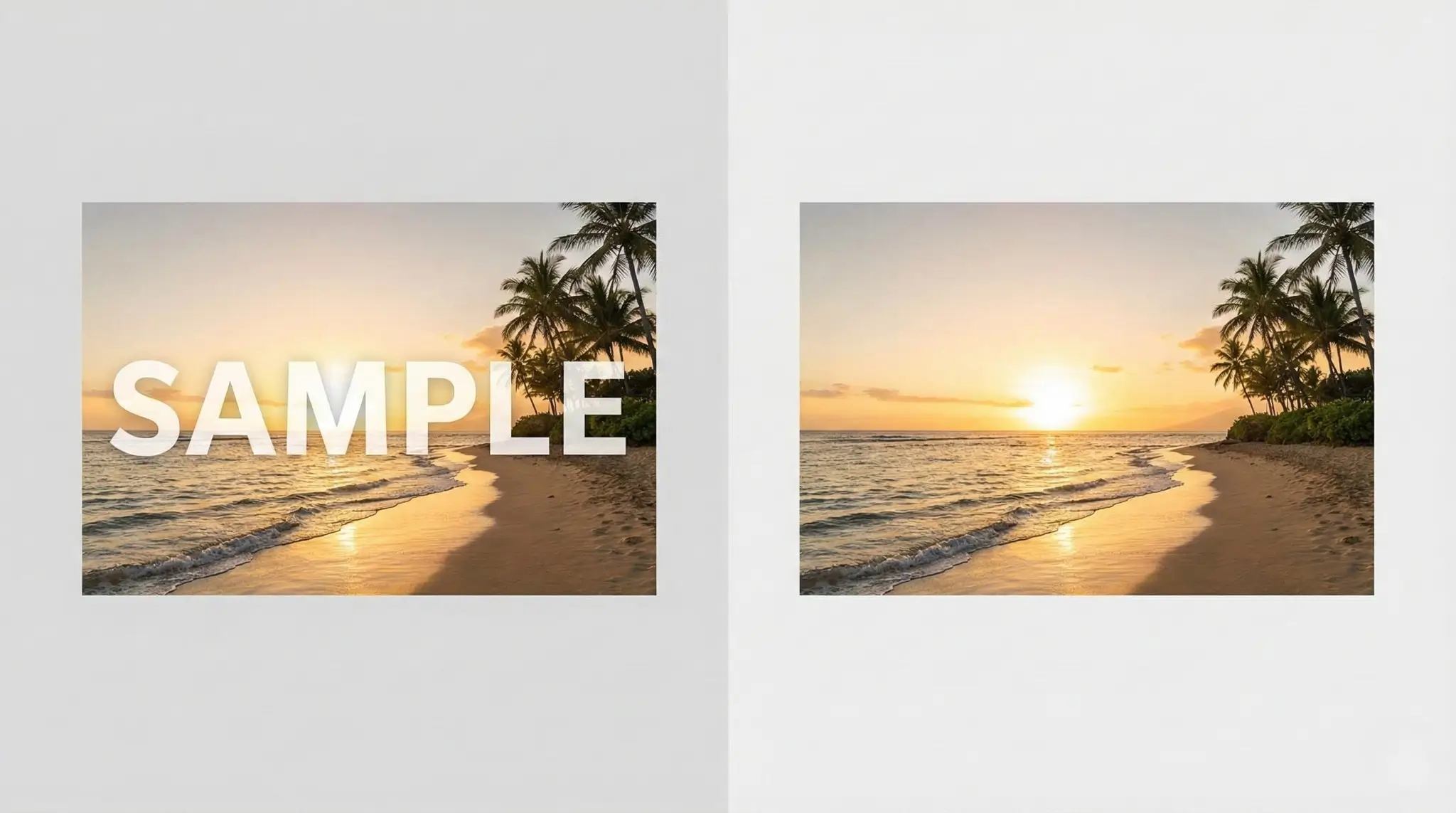
Remove Image Watermarks Instantly with AI: The Ultimate Free Tool for Creators
Remove watermarks from AI-generated images including Gemini, Nano Banana, DALL-E, Midjourney, Stable Diffusion and more. Free AI-powered inpainting tool to clean up your images instantly.
Kling AI vs Reelive: Complete Comparison Guide for AI Video Creators
An in-depth comparison between Kling AI (Kuaishou) and Reelive.ai — models, pricing, features, audio support, and which platform fits your AI video workflow.