
The 6 Best AI Video Generators in 2026 | Reelive AI
Compare the top 6 AI video generators of 2026, find the best tool for your creative workflow.
AI Video Generation Has Exploded in 2026
Just two years ago, generating a video from a text prompt felt like science fiction. Today, it's a mainstream creative tool. From social media clips to product demos, AI video generators are reshaping how content gets made — and the competition among providers has never been fiercer.
With so many options available, choosing the right tool can be overwhelming. Each generator has distinct strengths: some prioritize cinematic realism, others focus on speed, and a few now include native audio generation. Pricing models range from generous free tiers to premium subscriptions.
We tested and compared the six leading AI video generators of 2026 to help you make an informed choice. Here's what we found.
What to Look for in an AI Video Generator
Before diving into individual tools, here are the key factors we evaluated:
- Visual Quality — Resolution, realism, and consistency across frames
- Maximum Duration — How long a single generated clip can be
- Audio Support — Whether the model can generate synchronized sound or dialogue
- Generation Modes — Text-to-video, image-to-video, or video-to-video capabilities
- Speed — Time from prompt submission to finished output
- Pricing — Cost structure, free tiers, and value for money
- Editing & Control — Camera controls, motion guidance, negative prompts, and seed reproducibility
1. OpenAI Sora 2 — The Cinematic Pioneer

OpenAI's Sora 2 remains the benchmark for cinematic AI video generation. Building on the foundation that stunned the world in 2024, Sora 2 delivers remarkably realistic scenes with accurate physics, natural lighting, and coherent motion — qualities that still set it apart from most competitors.
Key Capabilities
- Cinematic realism with exceptional handling of reflections, shadows, and complex environments
- Up to 15 seconds of continuous video — the longest among top-tier models
- Text-to-video and image-to-video modes for flexible creative workflows
- Pro tier removes watermarks and delivers higher resolution output
- Strong prompt comprehension — accurately interprets detailed scene descriptions, camera movements, and artistic styles
Pricing
Sora 2 is available through ChatGPT Plus ($20/month, limited generations with watermark) or ChatGPT Pro ($200/month, higher quality and no watermark). Third-party platforms like Reelive offer more flexible credit-based access.
Best for: Filmmakers, advertisers, and creators who prioritize visual quality above all else.
Limitations: No audio generation. Pro-tier pricing is steep through OpenAI directly. Generation times can be slow during peak hours.
2. Google Veo 3 — Video Meets Audio

Google's Veo 3 changed the game by being one of the first models to generate synchronized audio alongside video. Whether it's ambient sound, dialogue, or music, Veo 3 produces clips that feel complete without any post-production audio work.
Key Capabilities
- Native audio generation — the standout feature that competitors are still catching up to
- High visual fidelity with Google's latest diffusion architecture
- Veo 3.1 iteration brings improved consistency and prompt adherence
- Text-to-video and image-to-video support
- Backed by Google DeepMind's research infrastructure
Pricing
Available through Google AI Studio and select third-party platforms. Google offers limited free access; paid tiers vary by usage volume.
Best for: Content creators who need complete audio-visual output without editing — podcasters creating video clips, social media marketers, and educators.
Limitations: Maximum duration capped at 8 seconds, which limits storytelling use cases. Audio quality, while impressive, can occasionally feel synthetic in dialogue-heavy scenes.
3. Runway Gen-4 — The Creative Suite Veteran

Runway has been in the AI video space longer than almost anyone, and Gen-4 represents years of refinement. More than just a video generator, Runway offers a complete creative suite with editing tools that professional video teams actually use in production.
Key Capabilities
- Gen-4 model delivers significant quality improvements over Gen-3 Alpha, with better temporal coherence and detail retention
- Motion Brush — paint motion onto specific regions of an image to control how elements move
- Camera Control — specify camera movements (pan, tilt, zoom, orbit) with precision
- Web app + API access — use the browser-based editor or integrate directly into production pipelines
- Professional ecosystem — plugins for Adobe Premiere, After Effects, and other editing tools
- Character and scene consistency features for multi-shot storytelling
Pricing
Runway operates on a subscription model: Free (limited credits), Standard ($15/month), Pro ($35/month), and Enterprise plans. Credits are consumed per generation based on resolution and duration.
Best for: Professional video production teams, agencies, and creators who need fine-grained editing control alongside generation. Ideal if you're already in a post-production workflow.
Limitations: Subscription pricing adds up quickly for heavy users. Free tier is very limited. The learning curve is steeper than simpler text-to-video tools, though the payoff in control is significant.
4. Kling 3 — The Next-Gen Powerhouse

Kuaishou's Kling 3 marks a generational leap from the already-capable Kling 2.6. As one of the most feature-complete AI video models available in 2026, Kling 3 combines top-tier visual quality with an extensive set of creative controls.
Key Capabilities
- Dramatically improved visual quality — a clear step above its predecessor, with better texture, lighting, and human figure rendering
- Audio generation — one of the few models alongside Veo 3 that supports native sound
- Extended duration — supports clips longer than previous versions, with high consistency throughout
- Negative prompts — specify what you don't want in the output for more precise results
- Seed control — reproduce and iterate on specific outputs reliably
- Standard and Pro tiers offer different quality-cost tradeoffs
Pricing
Available through Kuaishou's platform and third-party aggregators. Credit-based pricing varies by tier and duration.
Best for: Creators who want a powerful all-rounder — great visuals, audio support, and granular control in one package. Particularly strong for Chinese-market content creation.
Limitations: Pro-tier generations consume significant resources and can be costly. The model's strengths in rendering Chinese cultural aesthetics don't always translate equally well to all visual styles.
5. Seedance — Motion Meets Precision

ByteDance's Seedance has carved out a unique niche by giving creators unprecedented control over camera movement and motion. While other models let you describe what happens, Seedance lets you choreograph it.
Key Capabilities
- Camera control system — specify pan, tilt, zoom, and rotation with frame-level precision
- Multiple tiers — Pro (highest quality), Fast (quick iterations), and Lite (lightweight drafts)
- End-frame support (Lite) — define both the starting and ending frame for guided transitions
- Text-to-video and image-to-video modes
- Seed control for reproducible outputs
- Seedance 2 — next-generation model already in rollout with further improvements
Pricing
Available through ByteDance's platform and aggregator services. Credit-based pricing with different rates per tier.
Best for: Creators who need precise camera choreography — product showcases, architectural visualizations, and cinematic transitions where motion direction matters as much as visual quality.
Limitations: No native audio generation. The camera control system, while powerful, requires a learning investment to use effectively.
6. Hailuo 2.3 — Speed and Simplicity
MiniMax's Hailuo (previously known as MiniMax Video) prioritizes what many creators need most: fast results with minimal friction. While it may not match Sora 2 or Veo 3 in raw visual fidelity, Hailuo 2.3 excels at rapid iteration and accessibility.
Key Capabilities
- Fast generation times — consistently among the quickest models, ideal for exploring ideas before committing to a higher-quality render
- Standard and Pro tiers — Standard for quick drafts, Pro for polished output
- Text-to-video and image-to-video support
- Up to 10 seconds of video per generation
- Clean, simple interface — low barrier to entry for beginners
Pricing
Competitive credit-based pricing through MiniMax and third-party platforms. One of the more affordable options per generation.
Best for: Social media creators, marketers running A/B tests on video concepts, and anyone who values speed over perfection. Great as a "first draft" tool before using a premium model for the final version.
Limitations: No audio generation. Visual quality, while solid, trails behind Sora 2, Veo 3, and Kling 3. Smaller community and ecosystem compared to more established players.
Quick Comparison Table
| Model | Max Duration | Audio | Text-to-Video | Image-to-Video | Camera Control | Pricing Model |
|---|---|---|---|---|---|---|
| Sora 2 | 15s | ❌ | ✅ | ✅ | ❌ | Subscription / Credits |
| Veo 3 | 8s | ✅ | ✅ | ✅ | ❌ | Free tier + Paid |
| Runway Gen-4 | 10s | ❌ | ✅ | ✅ | ✅ | Subscription |
| Kling 3 | 10s+ | ✅ | ✅ | ✅ | ❌ | Credits |
| Seedance | 10s | ❌ | ✅ | ✅ | ✅ | Credits |
| Hailuo 2.3 | 10s | ❌ | ✅ | ✅ | ❌ | Credits |
How to Choose the Right AI Video Generator
There's no single "best" tool — the right choice depends on your priorities:
- Maximum visual quality → Sora 2 Pro delivers the most cinematic output
- Audio + video in one step → Veo 3 or Kling 3 save you from post-production audio work
- Professional editing workflow → Runway Gen-4's Motion Brush and editing suite are unmatched
- Camera choreography → Seedance gives you frame-level motion control
- Fast iteration and prototyping → Hailuo 2.3 gets you results in seconds, not minutes
- All-round capability → Kling 3 offers the most balanced feature set with quality, audio, and control
For many creators, the answer isn't choosing just one. Different projects call for different tools, and the ability to compare outputs across models is itself a competitive advantage.
Try Multiple Models in One Place
If testing several of these models sounds appealing but managing separate accounts doesn't, Reelive.ai lets you access Sora 2, Veo 3, Kling, Seedance, Hailuo, and more from a single workspace. One account, one credit balance, side-by-side comparisons — no platform-hopping required.
Sign up at reelive.ai and get 50 free credits to start experimenting across models today.
👉 Start creating at reelive.ai/ai-video
More AI Tools from Reelive
- AI Video Generator — Generate videos with Sora 2, Veo 3, Seedance, Kling, and more
- AI Image Generator — Create images with Nano Banana and Z-Image
- AI Avatar — Turn a single photo into a talking video
- AI Face Swap — Transform faces in photos instantly
- Motion Control — Direct camera movement frame by frame
- Background Remover — Remove image backgrounds with AI
Questions? Reach out at Contact Us.
もっと見る
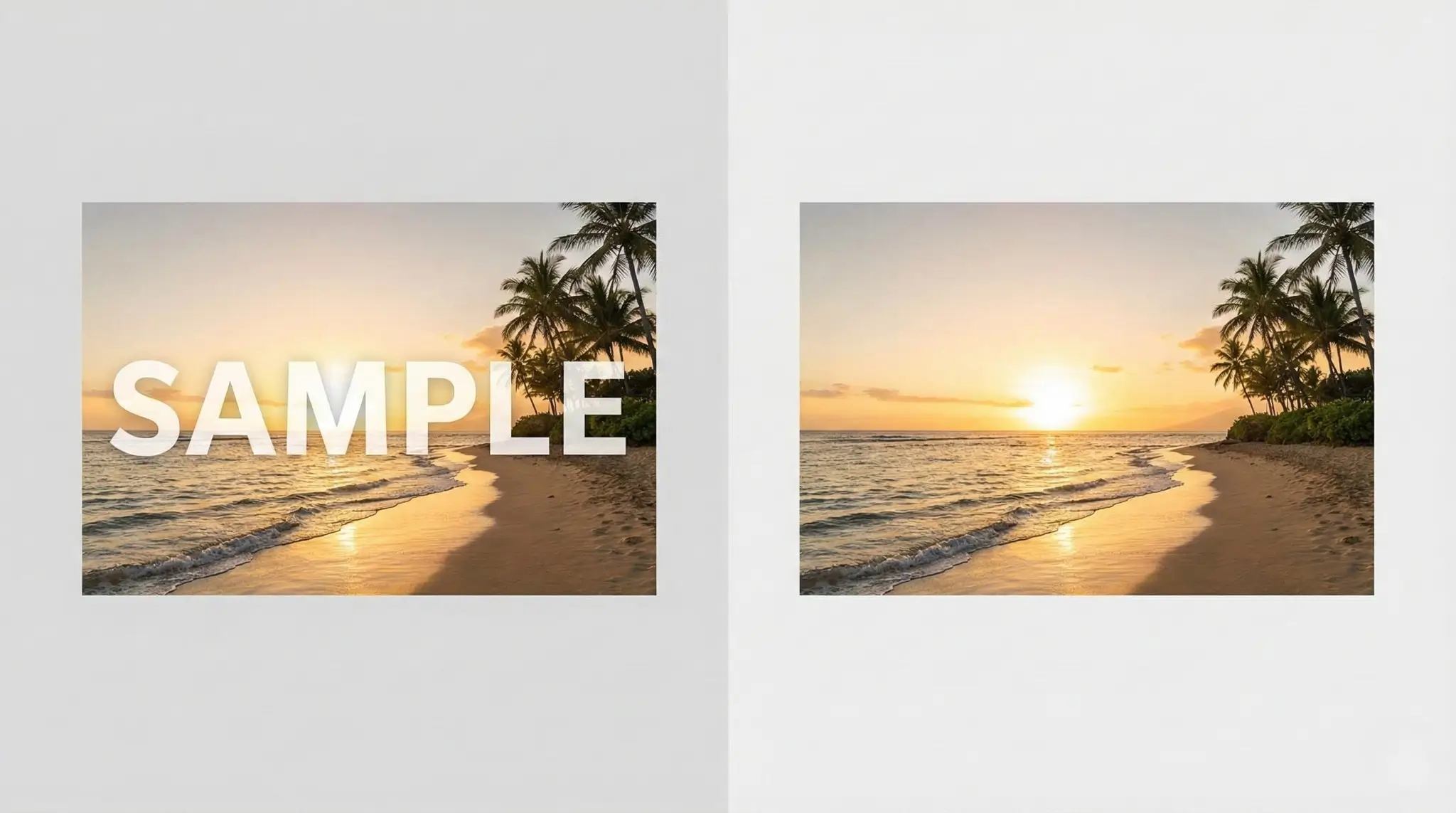
Remove Image Watermarks Instantly with AI: The Ultimate Free Tool for Creators
Remove watermarks from AI-generated images including Gemini, Nano Banana, DALL-E, Midjourney, Stable Diffusion and more. Free AI-powered inpainting tool to clean up your images instantly.
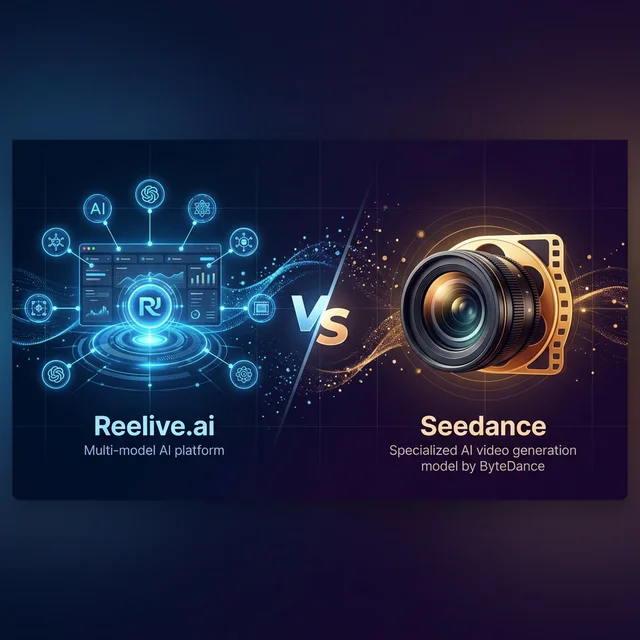
Reelive vs Seedance: Key Differences Explained for AI Video Creators
Comparing Reelive.ai and Seedance (ByteDance): which AI video tool is right for you? Learn the differences in models, features, pricing, and creative capabilities.
Remove Sora Watermark in 3 Seconds: The Fastest Free Tool for Creators
Discover how to remove watermarks from Sora-generated videos quickly and easily. Just paste your Sora video URL and get a clean, watermark-free version in seconds.