AI Motion Control: Animate Any Character with a Reference Video | Reelive AI
Use AI motion control to transfer movements from a reference video onto any character image. Upload a photo and a motion video to generate realistic AI-animated videos with precise action control.
The Problem with Character Animation
Animating a character to perform specific movements has traditionally required motion capture suits, professional animators, or complex rigging software. Whether you're a content creator wanting a cartoon character to dance, a game developer prototyping character animations, or a marketer needing branded mascot videos — the barrier to entry has always been high.
What if you could simply upload a picture of any character and a video of the movements you want, and let AI do the rest?
That's exactly what Reelive's Motion Control tool delivers.
What Is AI Motion Control?
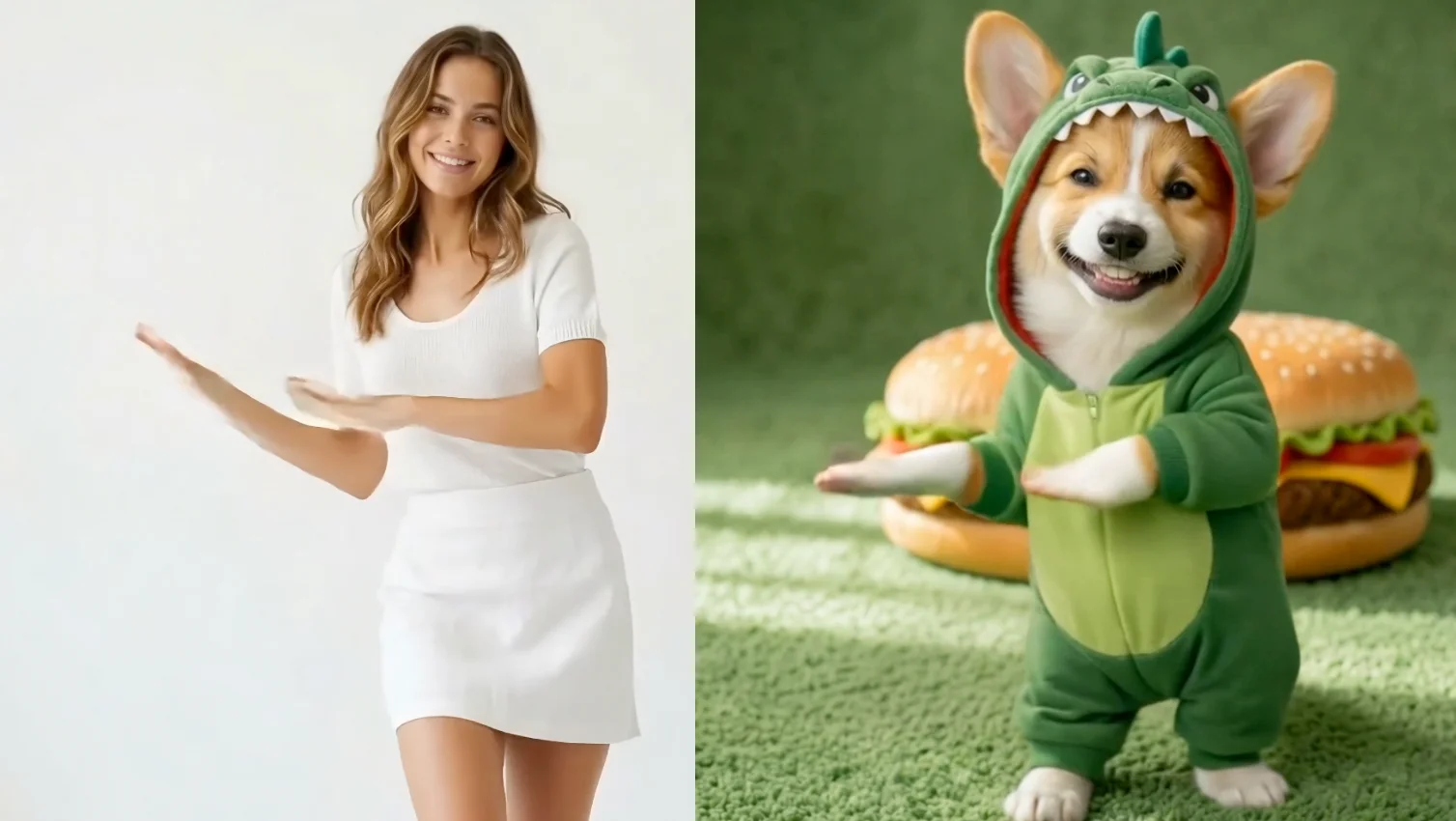
AI Motion Control is a video generation technology that transfers movements from a reference video onto a character in a static image. The AI analyzes the body movements, poses, and timing in your reference video, then applies those exact motions to the character in your uploaded image — producing a new video where your character performs the same actions.
Think of it as motion capture without the mocap suit. Instead of expensive equipment and trained actors, you just need:
- A reference image of your character
- A video showing the movements you want
The AI handles everything else: pose estimation, motion transfer, temporal consistency, and rendering.
How to Create Motion-Controlled Videos in 3 Steps
Getting started with Reelive's Motion Control tool is straightforward:
-
Upload a reference image — This is the character you want to animate. Use a clear image in JPG or PNG format (up to 10MB, minimum 300px, aspect ratio between 2:5 and 5:2).
-
Upload a reference video — This provides the movements. Upload an MP4 or MOV file (up to 100MB). Duration limits depend on orientation mode: up to 10 seconds for "Image" orientation, or up to 30 seconds for "Video" orientation.
-
Configure and generate — Optionally add a text prompt (up to 2,500 characters), choose character orientation mode and output resolution (720p or 1080p), then hit generate. Your motion-controlled video will be ready in moments.
No animation software. No frame-by-frame editing. No motion capture hardware.
Key Features
Precise Motion Transfer
Powered by Kling 2.6 Motion Control, the tool delivers accurate motion replication from your reference video. Body poses, limb movements, and timing are faithfully transferred to your character, producing natural-looking animations that maintain the original motion's rhythm and flow.
Two Orientation Modes
Choose how your character faces in the output:
- Image orientation — The character maintains the same facing direction as in your uploaded image. Best for shorter clips (up to 10 seconds).
- Video orientation — The character's orientation follows the person in the reference video. Supports longer clips (up to 30 seconds) and is ideal when direction changes matter.
Flexible Resolution Options
Generate videos in either 720p or 1080p resolution. Choose 720p for faster generation and lower credit cost, or 1080p for higher quality output suitable for professional use.
Optional Text Prompts
Add a descriptive prompt (up to 2,500 characters) to guide the generation. While optional, prompts help the AI understand the context — for example, "The cartoon character is dancing gracefully on a stage" can improve the quality and style of the output.
Built-in History & Preview
Every generated video is saved to your history panel. You can track generation progress in real-time, preview completed videos, download them, or delete old generations. The tool automatically polls for task completion — no manual refreshing needed.
Pay Only on Success
Credits are deducted only after successful generation. If processing fails for any reason, you won't be charged.
Use Cases: What Can You Create?
Motion Control opens up creative possibilities across many domains:
- Dancing characters — Make any illustration, anime character, or mascot perform choreographed dances from a reference video
- Product mascot videos — Bring brand mascots to life with expressive movements for marketing campaigns
- Social media content — Create eye-catching animated character videos that stand out in feeds
- Game development prototyping — Quickly test character animations before committing to full production
- Educational content — Animate illustrated characters to demonstrate physical movements or exercises
- Meme and viral content — Apply trending dance moves to any character for shareable content
Tips for Best Results
- Use a clear, full-body character image — The AI needs to see the complete character to map movements accurately. Avoid cropped or partial views.
- Choose reference videos with clear movements — Simple, well-lit videos with a single person performing distinct motions work best.
- Match the character pose to the video start — If your character image roughly matches the starting pose of the reference video, the transition will look more natural.
- Start with "Video" orientation for longer clips — This mode supports up to 30 seconds and handles direction changes better.
- Use 720p for quick iterations — Test your ideas at 720p first, then generate the final version at 1080p once you're happy with the result.
- Add descriptive prompts — Even though optional, a good prompt helps the AI understand what you're going for and can improve output quality.
- Keep reference videos under the duration limit — Videos exceeding the time limit for the chosen orientation mode will be rejected.
Supported Formats
| Input Type | Formats | Max Size | Additional Limits |
|---|---|---|---|
| Reference Image | JPG, JPEG, PNG | 10MB | Min 300px, aspect ratio 2:5 to 5:2 |
| Reference Video | MP4, MOV | 100MB | 3-10s (Image mode) or 3-30s (Video mode) |
| Text Prompt | Plain text | — | Max 2,500 characters (optional) |
| Output | MP4 video | — | 720p or 1080p resolution |
Who Should Use Motion Control?
- Content creators — Produce character animation videos without animation skills
- Marketers and brand teams — Create engaging mascot and character-driven campaigns
- Game developers — Rapidly prototype character animations
- Educators — Build animated instructional content with illustrated characters
- Social media managers — Generate trending character animation content at scale
- Hobbyists and artists — Bring illustrations and original characters to life
Start Creating Motion-Controlled Videos Now
Ready to animate any character with AI-powered motion control?
Visit reelive.ai/ai-tools/motion-control and start generating motion-controlled AI videos with free credits.
More AI Tools from Reelive
- AI Video Generator - Generate stunning videos with text-to-video and image-to-video AI
- AI Image Generator - Create beautiful images with text-to-image and image-to-image AI
- AI Avatar - Turn a photo into a talking video with AI lip sync
- AI Face Swap - Swap faces in photos with realistic AI-powered precision
- Background Remover - Remove image backgrounds instantly with AI
- Watermark Remover - Clean up images by removing unwanted watermarks
Questions? Reach out at Contact Us.
More Posts
AI Face Swap: Transform Your Photos Instantly with Reelive's Free Tool
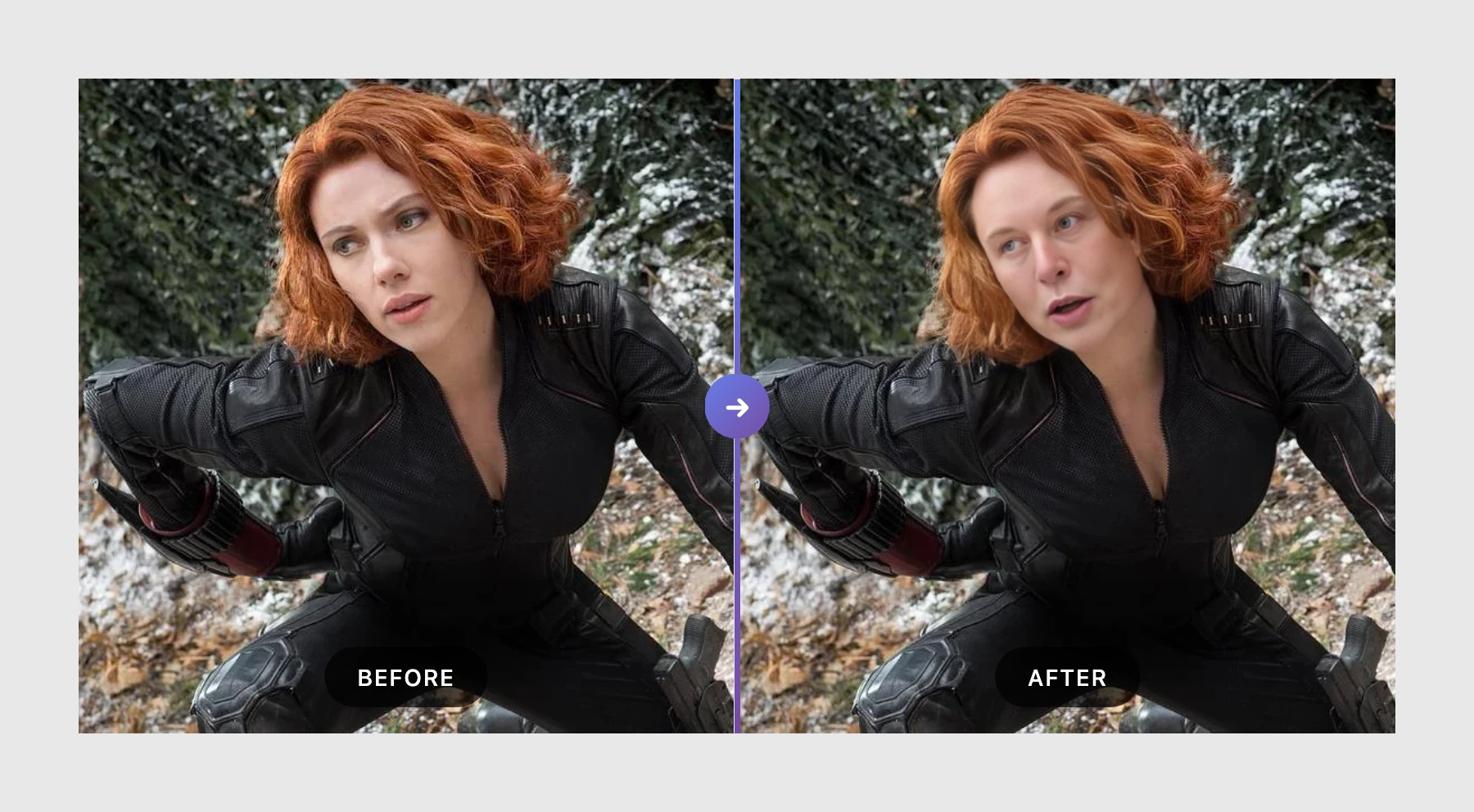
Swap faces in photos with AI-powered precision. Upload two images and get realistic face swap results in seconds. Free to try, no watermark on outputs.
《I Spent 6 Months Generating AI Videos — Here’s What Finally Made Them Look “Real”》
Six months of trial and error taught me a simple diagnostic workflow that makes AI videos look real.
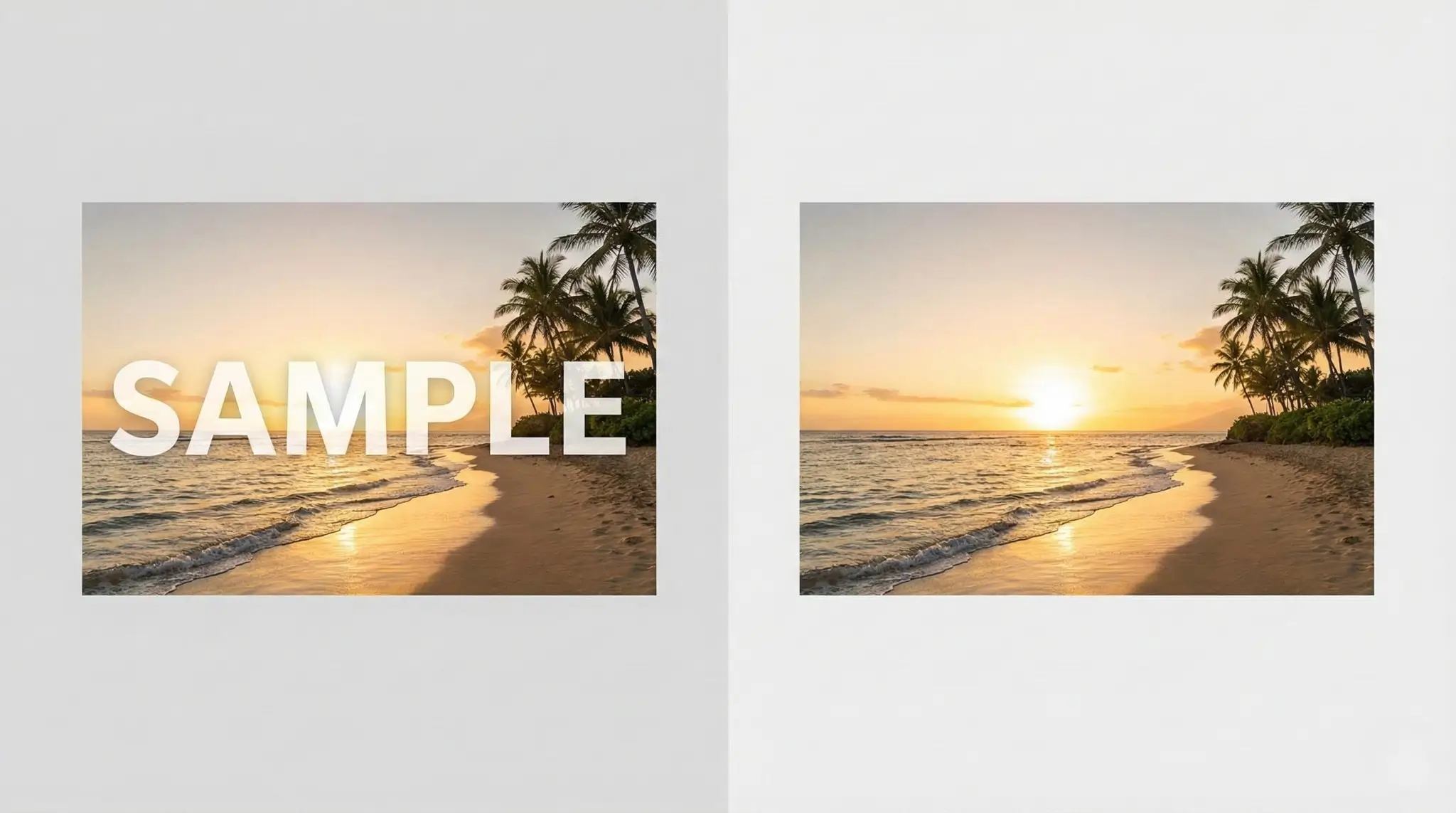
Remove Image Watermarks Instantly with AI: The Ultimate Free Tool for Creators
Remove watermarks from AI-generated images including Gemini, Nano Banana, DALL-E, Midjourney, Stable Diffusion and more. Free AI-powered inpainting tool to clean up your images instantly.