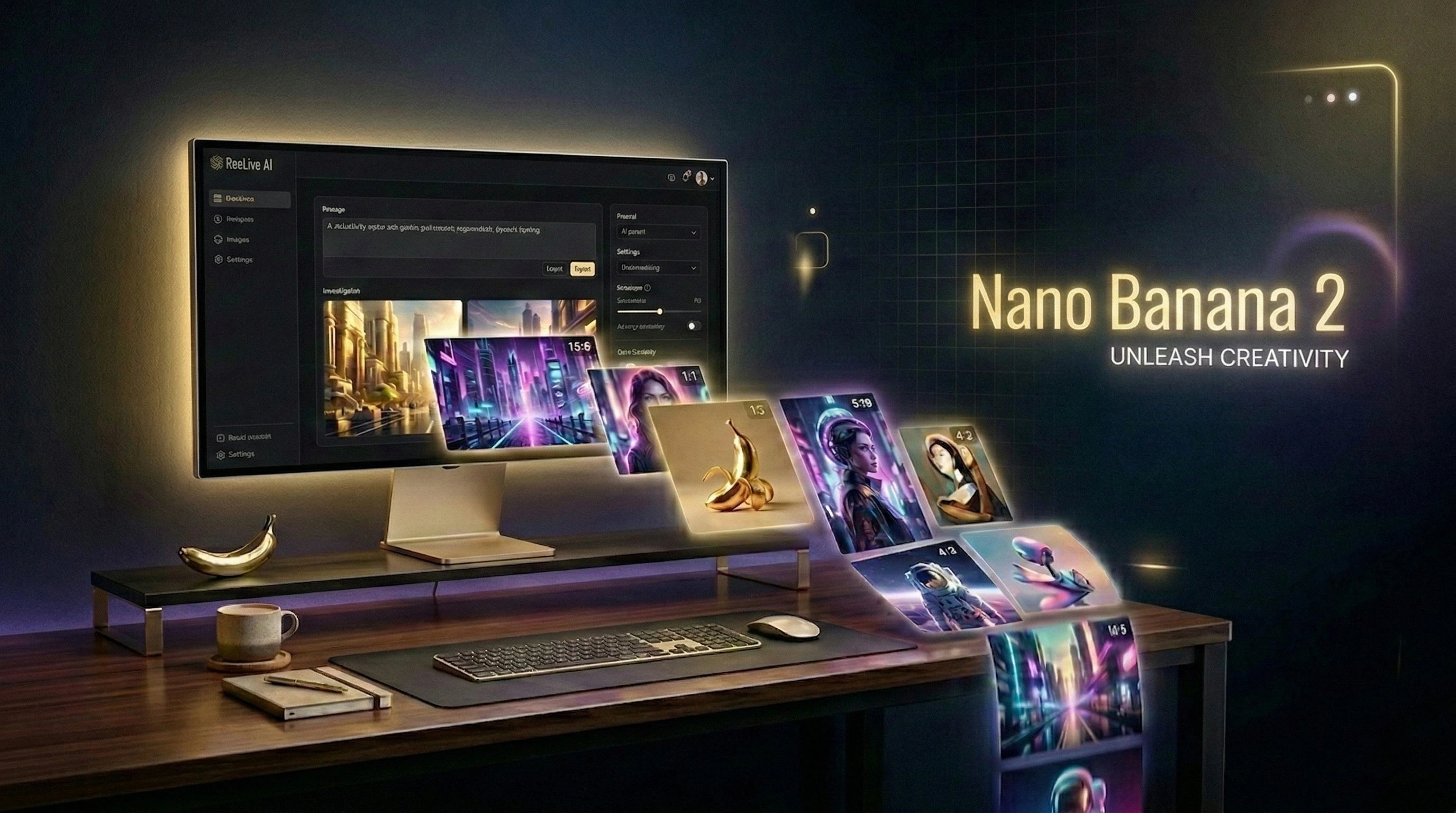
Nano Banana 2 Is Here: Google's Next-Gen AI Image Generation Now on Reelive.ai
Reelive.ai now supports Google Nano Banana 2 — the latest AI image model with Google Search grounding, ultra-wide aspect ratios, and up to 4K resolution. Generate stunning AI images starting at just 5 credits.
Introducing Nano Banana 2
We're excited to announce that Google Nano Banana 2 is now available on Reelive.ai — our latest addition to the growing family of AI image generation models on the platform.
Nano Banana 2 builds on the success of Nano Banana Pro with significant upgrades: Google Search grounding for more accurate and contextual image generation, an expanded set of 15 aspect ratios, and the same powerful resolution options up to 4K.
Whether you're a designer creating marketing assets, a content creator building social media visuals, or just someone who loves experimenting with AI art, Nano Banana 2 gives you more creative control than ever before.
What's New in Nano Banana 2
Google Search Grounding
This is the standout feature. Nano Banana 2 can leverage Google Search to ground its image generation in real-world knowledge. When enabled, the model references up-to-date information from the web, resulting in more accurate depictions of:
- Real places and landmarks — Generate images of specific locations with accurate architectural details
- Current events and trends — Create visuals that reflect the latest styles and cultural moments
- Brands and products — More faithful representations of real-world objects
- Public figures and celebrities — Better likeness when depicting well-known people
Simply toggle the Google Search option when creating your image, and Nano Banana 2 will use web context to enhance your results.
15 Aspect Ratios — The Most Flexible Yet
Nano Banana 2 supports an industry-leading 15 aspect ratio options, giving you pixel-perfect control for any use case:
| Aspect Ratio | Best For |
|---|---|
| 1:1 | Social media posts, profile pictures |
| 9:16 | Instagram Stories, TikTok, mobile wallpapers |
| 16:9 | YouTube thumbnails, presentations, desktop wallpapers |
| 4:3 / 3:4 | Traditional photo format |
| 3:2 / 2:3 | Classic photography ratio |
| 4:5 / 5:4 | Instagram portrait/landscape posts |
| 21:9 | Ultra-wide cinematic banners |
| 4:1 / 1:4 | Panoramic banners, vertical signage |
| 8:1 / 1:8 | Ultra-panoramic headers, vertical scrolls |
| Auto | Let the AI choose the best ratio for your prompt |
This makes Nano Banana 2 perfect for everything from Instagram stories to ultra-wide website banners — all from a single model.
Up to 4K Resolution
Generate images at three resolution tiers:
- 1K — Fast generation, great for drafts and social media (5 credits)
- 2K — High quality for presentations and web use (10 credits)
- 4K — Ultra-high resolution for print and professional work (20 credits)
Text-to-Image & Image-to-Image
Nano Banana 2 supports both generation modes:
- Text-to-Image — Describe what you want and let the AI create it from scratch
- Image-to-Image — Upload a reference image and transform it with your text prompt
Output Format Options
Choose between JPG and PNG output formats depending on your needs — JPG for smaller file sizes, PNG for transparency and lossless quality.
Nano Banana 2 vs. Nano Banana Pro
| Feature | Nano Banana Pro | Nano Banana 2 |
|---|---|---|
| Google Search Grounding | No | Yes |
| Aspect Ratios | 11 options | 15 options |
| Ultra-Wide Ratios (4:1, 8:1, 1:4, 1:8) | No | Yes |
| Resolutions | 1K, 2K, 4K | 1K, 2K, 4K |
| Text-to-Image | Yes | Yes |
| Image-to-Image | Yes | Yes |
| Output Formats | JPG, PNG | JPG, PNG |
| Starting Credits | 5 | 5 |
How to Use Nano Banana 2
Getting started takes less than a minute:
- Go to Reelive.ai AI Image Generator and sign in
- Select Nano Banana 2 from the model selector
- Write your prompt — be descriptive for best results
- Choose your settings — aspect ratio, resolution, and output format
- Toggle Google Search if you want web-grounded accuracy
- Click Generate and your image will be ready in 30 seconds to 2 minutes
Prompt Tips for Nano Banana 2
To get the most out of Nano Banana 2, keep these tips in mind:
- Be specific and descriptive — "A golden retriever puppy playing in autumn leaves in Central Park, warm afternoon light, shallow depth of field" works much better than "dog in park"
- Enable Google Search for real-world subjects — When generating images of specific places, products, or people, turn on Google Search grounding for dramatically better accuracy
- Use the right aspect ratio — Match your aspect ratio to your intended use case. Don't crop later — generate at the right ratio from the start
- Start with 1K for iteration — Draft your ideas at 1K resolution (5 credits) and only upscale to 2K or 4K once you're happy with the composition
- Experiment with Image-to-Image — Upload a rough sketch or reference photo and let Nano Banana 2 transform it into a polished result
Pricing
Nano Banana 2 follows our transparent, credit-based pricing:
| Resolution | Credits |
|---|---|
| 1K | 5 credits |
| 2K | 10 credits |
| 4K | 20 credits |
New users get free credits on signup, so you can try Nano Banana 2 at no cost.
What's Next
Nano Banana 2 is just the latest model in our expanding AI toolkit. Reelive.ai continues to integrate the best AI models available, giving you a single platform to access cutting-edge image and video generation.
Coming soon:
- More AI image models with specialized capabilities
- Enhanced batch generation for power users
- API access for developers who want to integrate Nano Banana 2 into their workflows
Try Nano Banana 2 Now
Ready to experience Google's latest AI image generation?
Visit reelive.ai/ai-image and select Nano Banana 2 to start creating.
More AI Tools from Reelive
- AI Video Generator — Create stunning videos with Sora 2, Veo 3, Kling, and more
- AI Face Swap — Swap faces in photos with AI precision
- Image Background Remover — Remove backgrounds instantly with AI
- Image Watermark Remover — Clean up images by removing unwanted watermarks
Questions? Reach out at Contact Us.
More Posts
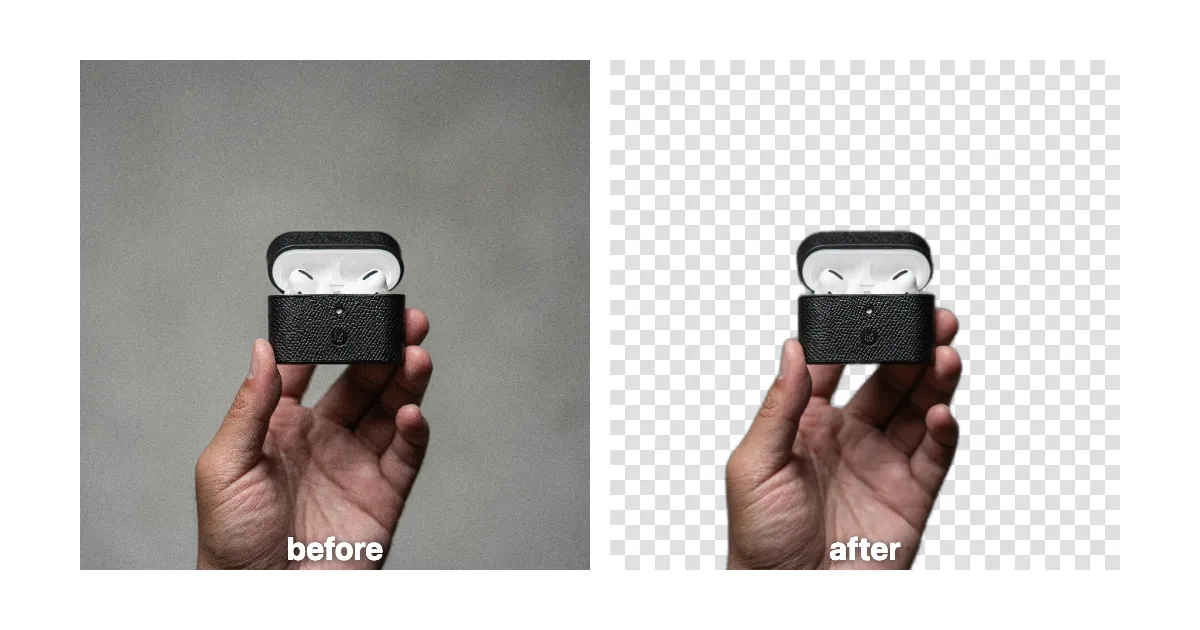
Remove Image Backgrounds Instantly with AI: The Ultimate Free Tool
Remove backgrounds from portraits, products, ID photos, and social graphics in seconds. Free AI background remover with clean cutouts and transparent PNG export.
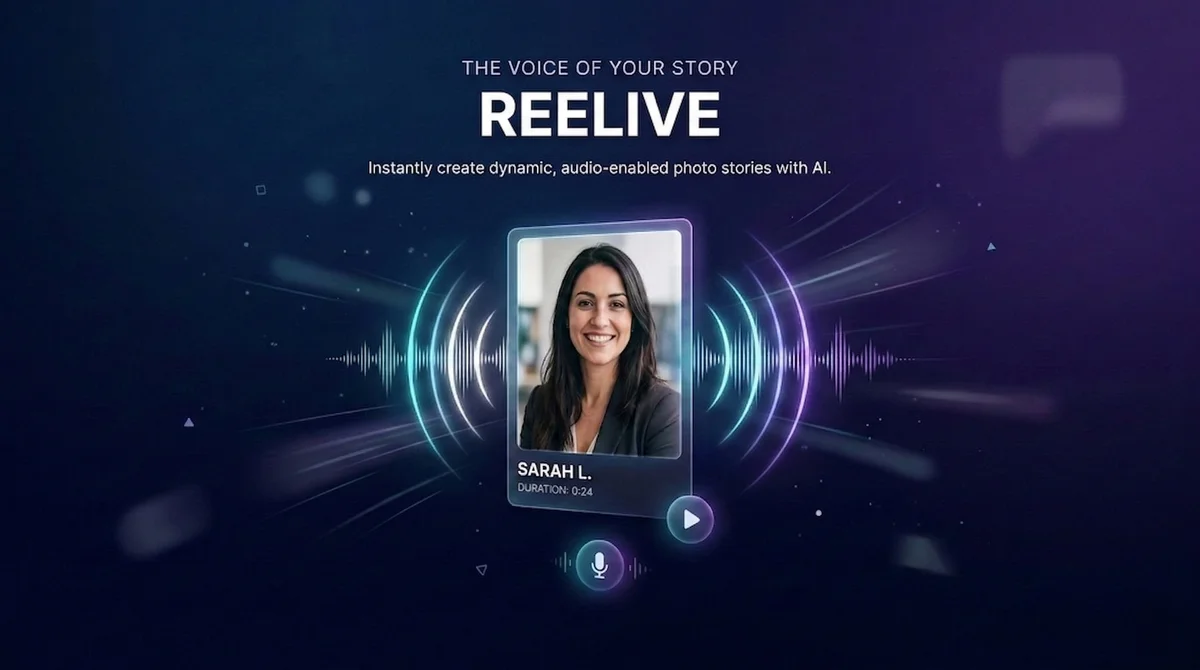
AI Avatar: Create Talking Videos from Just One Photo | Reelive AI
Turn any portrait photo into a realistic talking avatar video with AI. Upload your image and audio to generate lip-synced digital human videos in seconds.
Remove Sora Watermark in 3 Seconds: The Fastest Free Tool for Creators
Discover how to remove watermarks from Sora-generated videos quickly and easily. Just paste your Sora video URL and get a clean, watermark-free version in seconds.