Kling AI vs Reelive: Complete Comparison Guide for AI Video Creators
An in-depth comparison between Kling AI (Kuaishou) and Reelive.ai — models, pricing, features, audio support, and which platform fits your AI video workflow.
Kling AI vs Reelive: Understanding the Difference
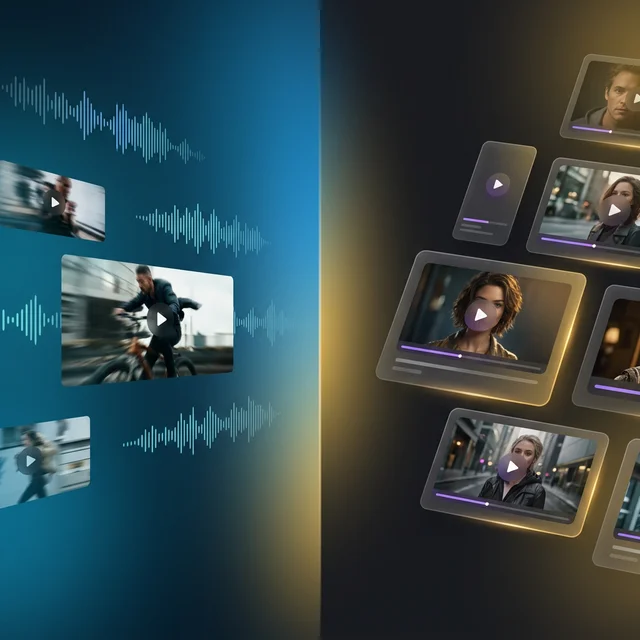
Kling AI from Kuaishou has earned its place as one of the most capable AI video generation models available today — especially with its standout audio generation and strong action scene rendering. It's a top choice for creators who want AI-generated videos with synchronized sound.
But here's what many people miss: you don't have to use Kling through its official API or a single-model platform. Reelive.ai is a multi-model AI platform where you can access Kling 2.6 alongside other top models like Sora 2, Veo 3, Seedance, and Wan — all from one workspace with flexible credit-based pricing.
So which option is right for you? Let's break it down.
What Is Kling AI?
Kling AI is an AI video generation model developed by Kuaishou (快手), one of China's largest short-video platforms. Kling has rapidly evolved, with version 2.6 delivering significant improvements in video quality, motion coherence, and — notably — built-in audio generation, making it one of the few AI video models that can produce synchronized sound alongside visuals.
Kling 2.6 Model Variants
Kling 2.6 is available in two tiers on Reelive.ai:
| Model | Modes | Quality | Duration | Audio | Key Feature |
|---|---|---|---|---|---|
| Kling 2.6 Standard | Text-to-Video, Image-to-Video | Standard | 5s / 10s | ✅ | Affordable with audio |
| Kling 2.6 Pro | Text-to-Video, Image-to-Video | High | 5s / 10s | ✅ | Best quality + audio |
What Makes Kling AI Stand Out
- Audio Generation — One of the few AI video models that generates synchronized audio alongside video, eliminating the need for separate sound design
- Strong Action Rendering — Excels at dynamic scenes with fast motion, sports, and complex physical interactions
- Negative Prompts — Specify what you don't want in the video for more precise creative control
- Seed Control — Reproduce consistent results with deterministic generation (seed range: 0–999,999,999)
- Dual Duration Options — Choose between 5-second and 10-second outputs
- Multiple Aspect Ratios — Supports 16:9, 9:16, 1:1, and more
Kling AI's Limitations
- Single Model Ecosystem — Using Kling alone means you can't compare outputs with Sora 2, Veo 3, or other leading models
- No Camera Control — Unlike Seedance, Kling doesn't offer camera movement parameters
- No End Frame Control — Cannot define the final frame of your video
- Shorter Max Duration — Capped at 10 seconds compared to Sora 2's 15 seconds
- Regional Access — Official Kling platform may have access restrictions in some regions
What Is Reelive.ai?
Reelive.ai is an all-in-one AI video and image generation platform. Instead of locking you into a single model, Reelive brings together 10+ leading AI models — including Kling 2.6 itself — in a unified workspace. Generate, compare, and iterate across models without switching platforms or managing separate accounts.
Models Available on Reelive.ai
Video Models:
- OpenAI Sora 2 (Standard + Pro)
- Google Veo 3 / Veo 3.1
- ByteDance Seedance (Pro, Pro Fast, Lite)
- Kuaishou Kling 2.6 (with audio support)
- Alibaba Wan 2.5 / 2.6 (including video-to-video)
- MiniMax Hailuo 2.3 (Pro + Standard)
- Motion Control (per-second billing)
- AI Avatar (per-second billing)
Image Models:
- Nano Banana Pro — 1K / 2K / 4K resolution
- Nano Banana 2 — Google Search grounding, 15 aspect ratios
- Z-Image
AI Tools:
Key Platform Features
- Unified Workspace — Access all models from a single interface
- Credit-Based Pricing — Pay for what you use, no per-model subscriptions
- 50 Free Credits — Start creating immediately after signup
- Kling 2.6 Included — Use Kling with audio support, without dealing with API integration
- Dark/Light Mode — Comfortable viewing in any environment
- Multi-Language — Full English and Chinese support
Kling AI vs Reelive: At a Glance
| Aspect | Kling AI | Reelive.ai |
|---|---|---|
| Type | AI video generation model | Multi-model AI platform |
| Developer | Kuaishou (快手) | Reelive.ai |
| Available Models | Kling 2.6 only (2 variants) | Kling 2.6 + Sora 2 + Veo 3 + Seedance + Wan + Hailuo + more |
| Access Method | Official platform or API | Web-based workspace, no coding needed |
| Video Output | Up to 1080p, 5–10s | Up to 1080p, varies by model |
| Audio Generation | ✅ Built-in | ✅ Via Kling 2.6 and Veo 3 |
| Image Generation | Limited | Nano Banana Pro, Nano Banana 2, Z-Image |
| Additional AI Tools | None | Face Swap, Background Remover, Watermark Remover |
| Payment Model | Per API call or subscription | Credits (subscriptions + pay-as-you-go packages) |
| Free Tier | Varies by region | 50 free credits on signup |
Model Capabilities Compared
One of Reelive's biggest advantages is letting you compare outputs from different models side by side. Here's how Kling 2.6 stacks up against other models available on the platform:
| Capability | Kling 2.6 | Sora 2 | Veo 3 | Seedance Pro | Hailuo 2.3 |
|---|---|---|---|---|---|
| Text-to-Video | ✅ | ✅ | ✅ | ✅ | ✅ |
| Image-to-Video | ✅ | ✅ | ✅ | ✅ | ✅ |
| Max Resolution | 1080p | Pro quality | 1080p | 1080p | 1080p |
| Max Duration | 10s | 15s | 8s | 10s | 10s |
| Audio Support | ✅ | ❌ | ✅ | ❌ | ❌ |
| Negative Prompts | ✅ | ❌ | ❌ | ❌ | ❌ |
| Seed Control | ✅ | ❌ | ❌ | ✅ | ❌ |
| Camera Control | ❌ | ❌ | ❌ | ✅ | ❌ |
| Watermark-Free | ✅ | ✅ (Pro) | ✅ | ✅ | ✅ |
| Motion Quality | Very Good | Excellent | Excellent | Excellent | Good |
| Prompt Adherence | Strong | Strong | Very Strong | Very Strong | Good |
| Best For | Action + audio | Cinematic realism | Audio + video | Controlled shots | Quick drafts |
Pricing Comparison
Kling AI Official Pricing
Kling AI's official platform offers tiered pricing based on model quality and video duration. Pricing varies by region and plan, but generally follows a per-generation or subscription model with limited monthly quotas.
Reelive.ai Subscription Plans
| Plan | Monthly | Yearly | Credits/Month | Kling 2.6 Videos (approx.) |
|---|---|---|---|---|
| Free | $0 | — | 50 credits | ~2–5 videos |
| Lite | $9.90 | $58.80/yr ($4.90/mo) | 500 credits | ~25–50 videos |
| Pro | $29.00 | $174.00/yr ($14.50/mo) | 2,000 credits | ~100–200 videos |
| Plus | $79.00 | $474.00/yr ($39.50/mo) | 6,000 credits | ~300–600 videos |
Kling 2.6 Credit Costs on Reelive
| Model | Duration | Quality | Credits |
|---|---|---|---|
| Kling 2.6 Standard | 5s | Standard | 10 credits |
| Kling 2.6 Standard | 10s | Standard | 20 credits |
| Kling 2.6 Pro | 5s | High | 20 credits |
| Kling 2.6 Pro | 10s | High | 40 credits |
Credit Packages (One-Time Purchase)
| Package | Credits | Price | Per Credit |
|---|---|---|---|
| Basic | 300 | $9.90 | $0.033 |
| Standard | 1,200 | $29.00 | $0.024 |
| Premium | 4,800 | $89.00 | $0.019 |
| Enterprise | 19,200 | $269.00 | $0.014 |
The bottom line: On Reelive's Pro plan ($29/month), you get 2,000 credits — enough for ~100 Kling 2.6 Standard 10s videos or ~200 Kling 2.6 Standard 5s videos. Plus, the same credits work across all models — try Sora 2, Veo 3, Seedance, or any other model without separate billing. On the Enterprise credit package, a single Kling 2.6 Standard 5s video costs just $0.14.
Use Cases: Which One Should You Choose?
Choose Kling AI (Official Platform) If You...
- Need direct API access for programmatic video generation at scale
- Are building a product specifically around Kling's video + audio capabilities
- Want full access to Kling's latest experimental features as they launch
- Are a developer comfortable with API integration and infrastructure management
Choose Reelive.ai If You...
- Want to use Kling 2.6 with audio alongside other top models like Sora 2 and Veo 3
- Need to compare Kling's output with Seedance, Sora 2, and Veo 3 side by side to find the best result
- Prefer a visual web interface without any coding or API setup
- Want flexible pay-as-you-go pricing with credits that work across all models
- Need additional AI tools like Face Swap, Background Remover, or Sora Watermark Remover
- Are a content creator or marketer who wants the best video output regardless of which model produces it
- Want to manage all your AI generation in one workspace with one credit balance
How to Use Kling AI on Reelive
Getting started with Kling 2.6 on Reelive.ai takes less than a minute:
- Sign up at reelive.ai — you'll receive 50 free credits instantly
- Go to the AI Video workspace at reelive.ai/ai-video
- Select Kling 2.6 — choose Standard (10–20 credits) or Pro (20–40 credits) depending on your quality needs
- Enter your prompt and configure settings (aspect ratio, duration, negative prompt, seed)
- Click Generate — your video with audio will be ready in 2–3 minutes
Want to see how the same prompt looks with a different model? Simply switch to Sora 2, Veo 3, or Seedance and generate again — all within the same workspace, using the same credits.
Conclusion
Kling AI is a powerful video generation model with a unique advantage: built-in audio generation. Combined with strong action rendering and precise controls like negative prompts and seed, it's an excellent choice for creators who need video with synchronized sound.
But you don't have to choose between Kling and other models. On Reelive.ai, you get Kling 2.6 alongside Sora 2, Veo 3, Seedance, Wan, Hailuo, and more — all accessible from one workspace with one credit balance. The real question isn't "Kling or Reelive" — it's "Kling alone, or Kling plus a dozen other models?"
If you need direct API access for production integration, Kling's official platform is the way to go. But if you want the freedom to compare models, access better pricing, and use additional AI tools — Reelive.ai gives you Kling and everything else in one place.
Ready to try Kling 2.6 and other AI models? Visit reelive.ai/ai-video and start creating with 50 free credits.
Explore More AI Tools from Reelive
- Kling AI on Reelive — Use Kuaishou's Kling 2.6 with audio support and flexible credit pricing
- AI Video Generator — Generate videos with Kling, Sora 2, Veo 3, Seedance, and more
- Motion Control — Create AI videos with precise camera and motion control
- AI Image Generator — Create images with Nano Banana and Z-Image
- Sora Watermark Remover — Remove watermarks from Sora-generated videos
- AI Face Swap — Transform faces in photos instantly
- Background Remover — Remove image backgrounds with AI
More Posts
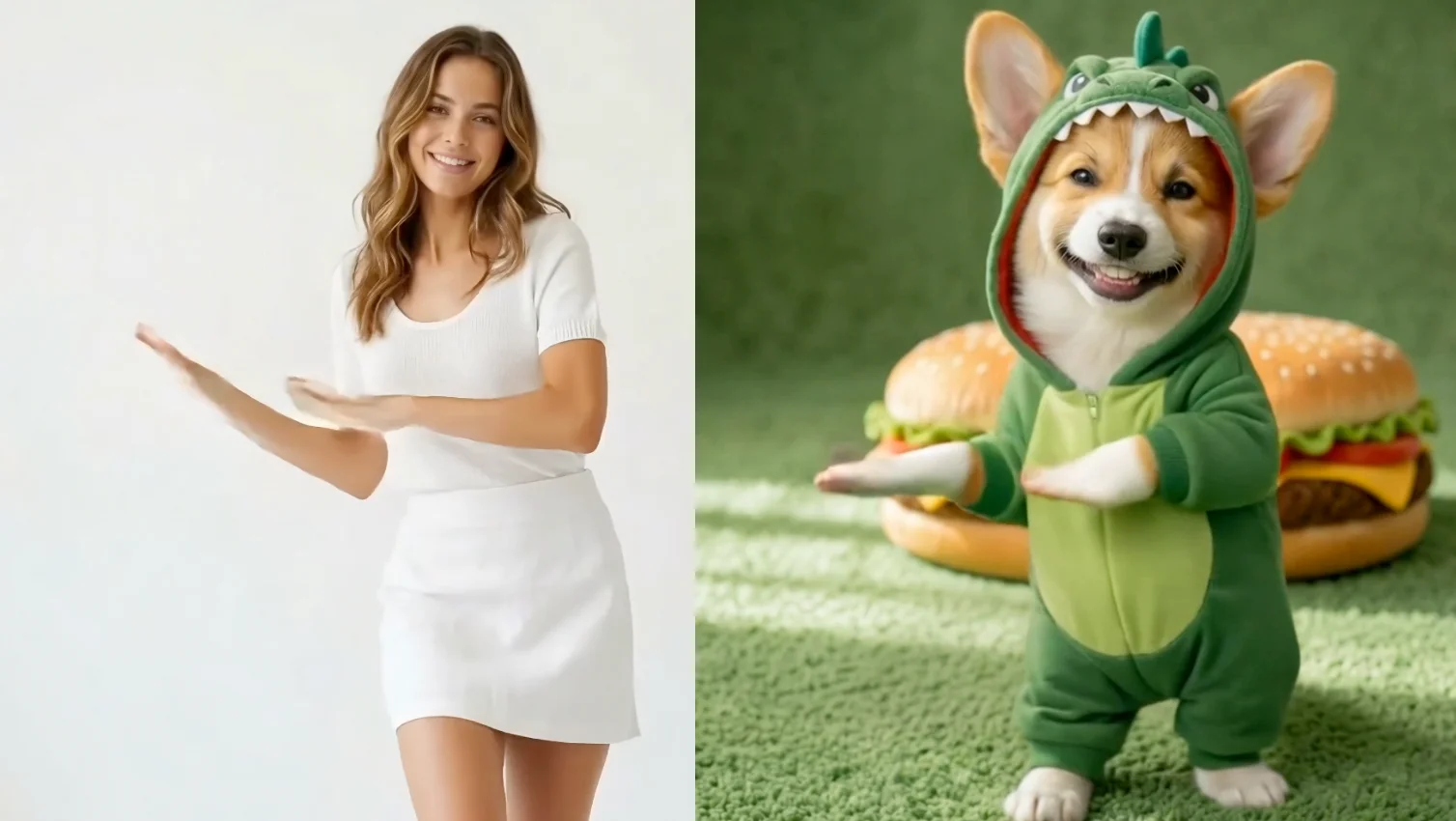
AI Motion Control: Animate Any Character with a Reference Video | Reelive AI
Use AI motion control to transfer movements from a reference video onto any character image. Upload a photo and a motion video to generate realistic AI-animated videos with precise action control.
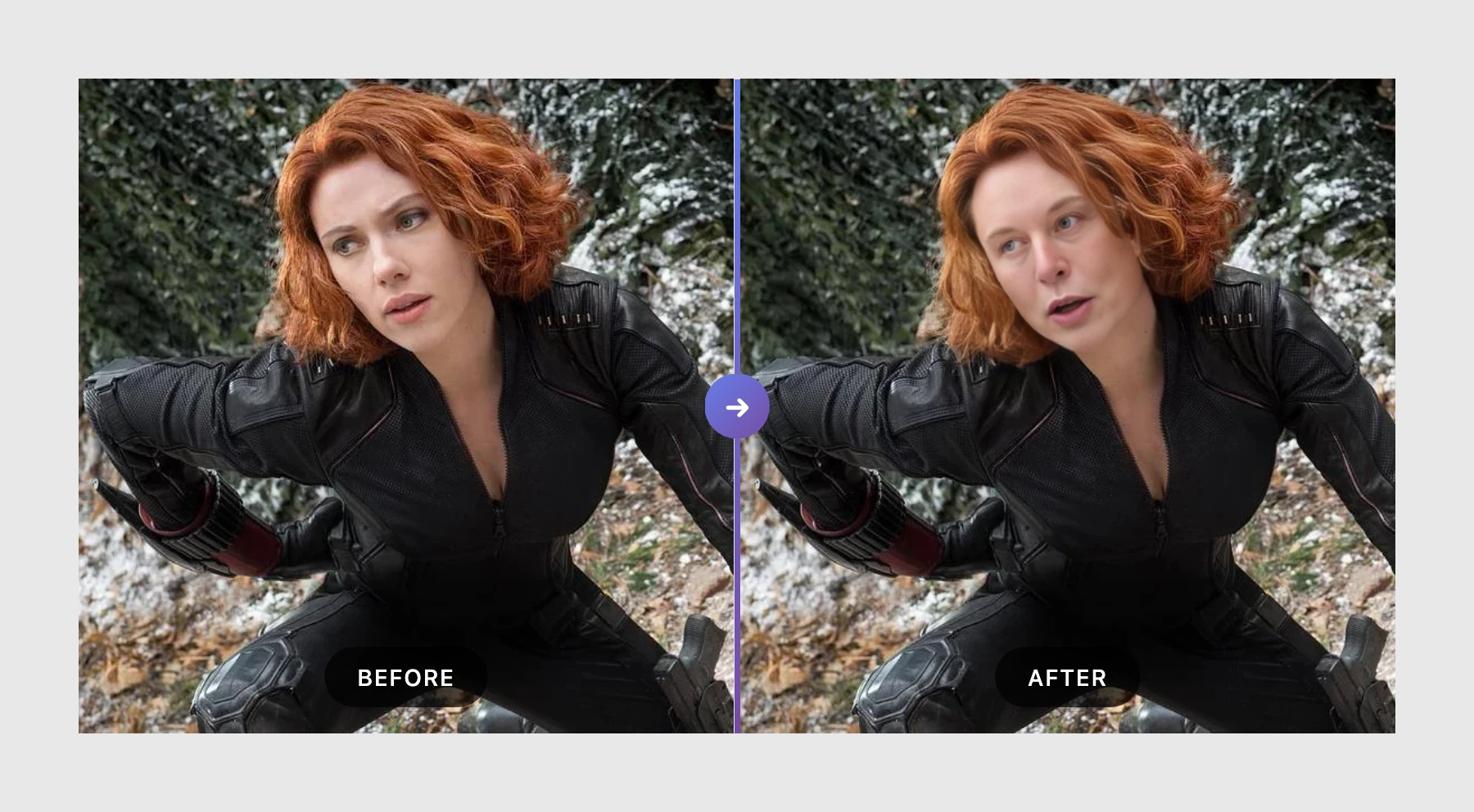
AI Face Swap: Transform Your Photos Instantly with Reelive's Free Tool
Swap faces in photos with AI-powered precision. Upload two images and get realistic face swap results in seconds. Free to try, no watermark on outputs.
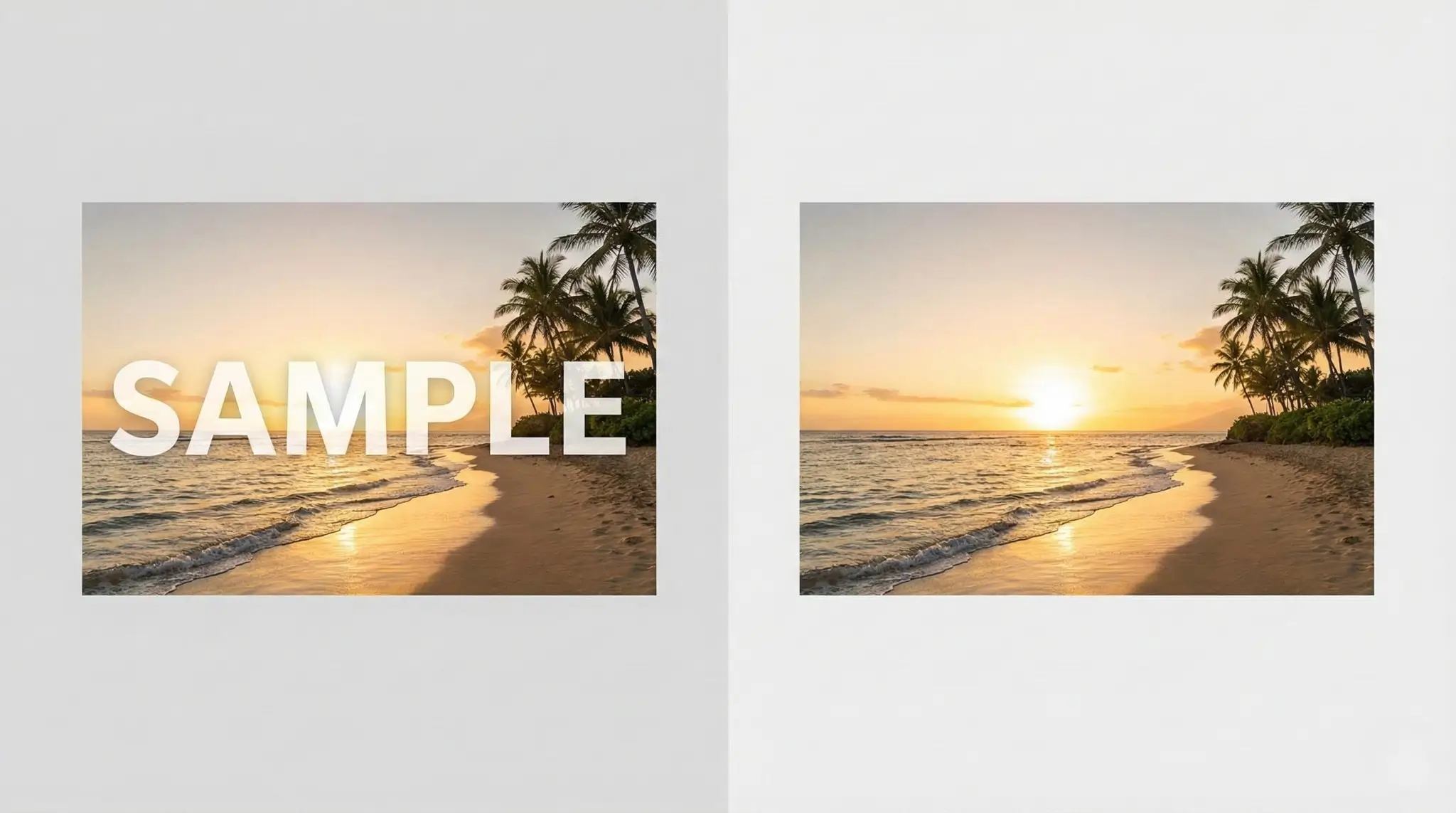
Remove Image Watermarks Instantly with AI: The Ultimate Free Tool for Creators
Remove watermarks from AI-generated images including Gemini, Nano Banana, DALL-E, Midjourney, Stable Diffusion and more. Free AI-powered inpainting tool to clean up your images instantly.